Push-to-talk · iPhone

Come in,
over.

A push-to-talk walkie-talkie for the people who matter. Record a hail in your own voice — it plays the moment you call. Press and hold to talk. No feeds, no logs, no strangers.

iPhone · iOS 17.4 or later · Niner Button coming soon

Signature feature

Everyone else gets a ringtone.
Your crew gets you.

Record a 5-second hail in your own voice — "this is Cliffhanger, come in, over" — and it plays the moment you call. They know it's you before they answer. No other app does this.

Hear a hail
"This is Cliffhanger… come in… over."
  • Plays on every direct call you make
  • Loud, punchy, auto-normalized
  • No hail set? Callers hear the classic Niner tone
  • Recipients can opt out anytime — you're always in control
What it does

Physical, live, satisfying.

The feel of a real radio, rebuilt with a clean, fast interface and Apple's native Push-to-Talk framework.

Real push-to-talk

Hold to transmit, release to listen. Your voice hits everyone on the channel live.

Your own hail

Record a 5-second "come in, over" that plays as your ringtone on the other phone. Nobody else does this.

Private by design

No recordings. No log of who you talked to. Your call history lives only on your phone — and nowhere else.

Channels & calls

Rally the whole crew.

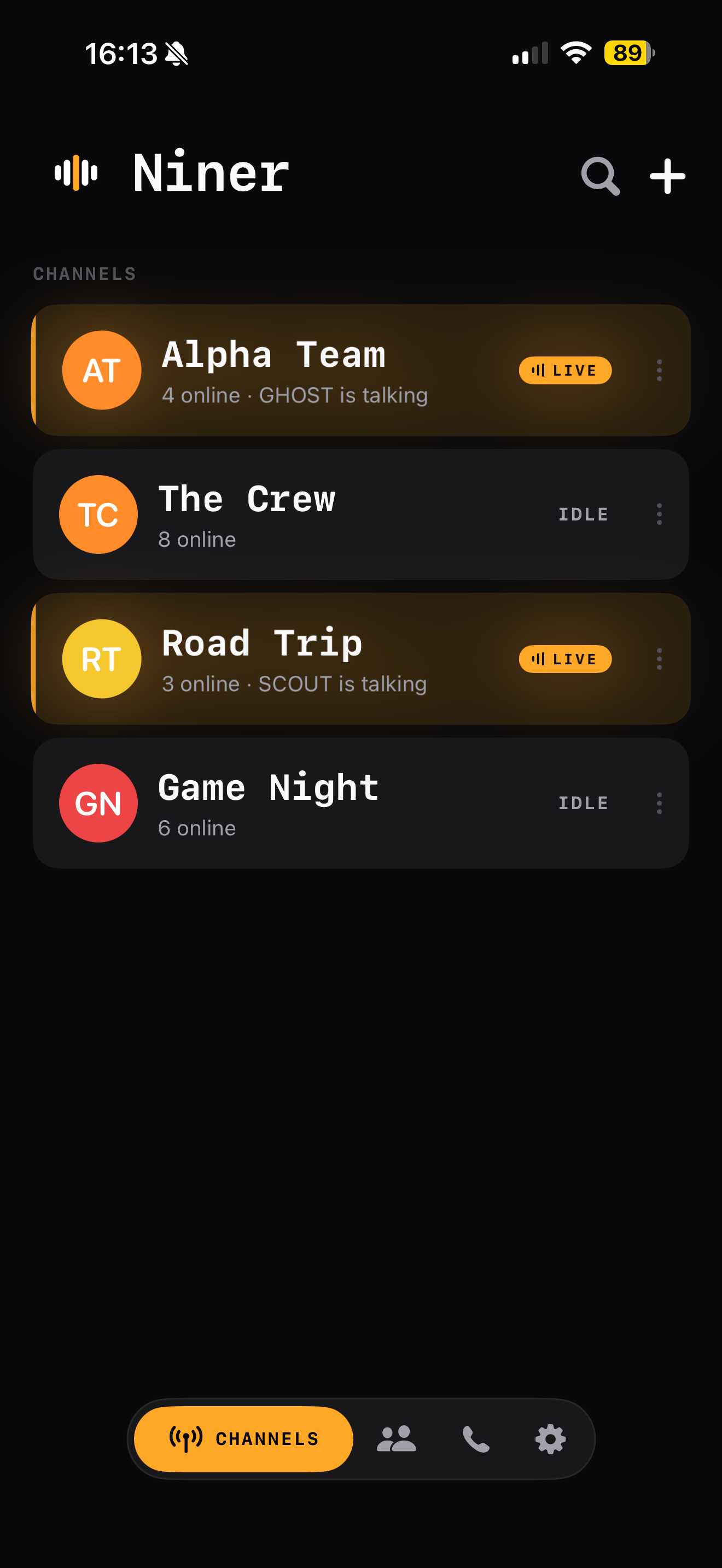
Spin up a group channel and put everyone on the same frequency — no member caps. Or hail a contact for a one-to-one walkie-talkie call. Answer from the notification, then talk from the lock screen or the Dynamic Island.

  • Unlimited-member group channels
  • One-to-one direct calls, walkie-talkie style
  • Talk from the lock screen or Dynamic Island — Niner Button coming soon
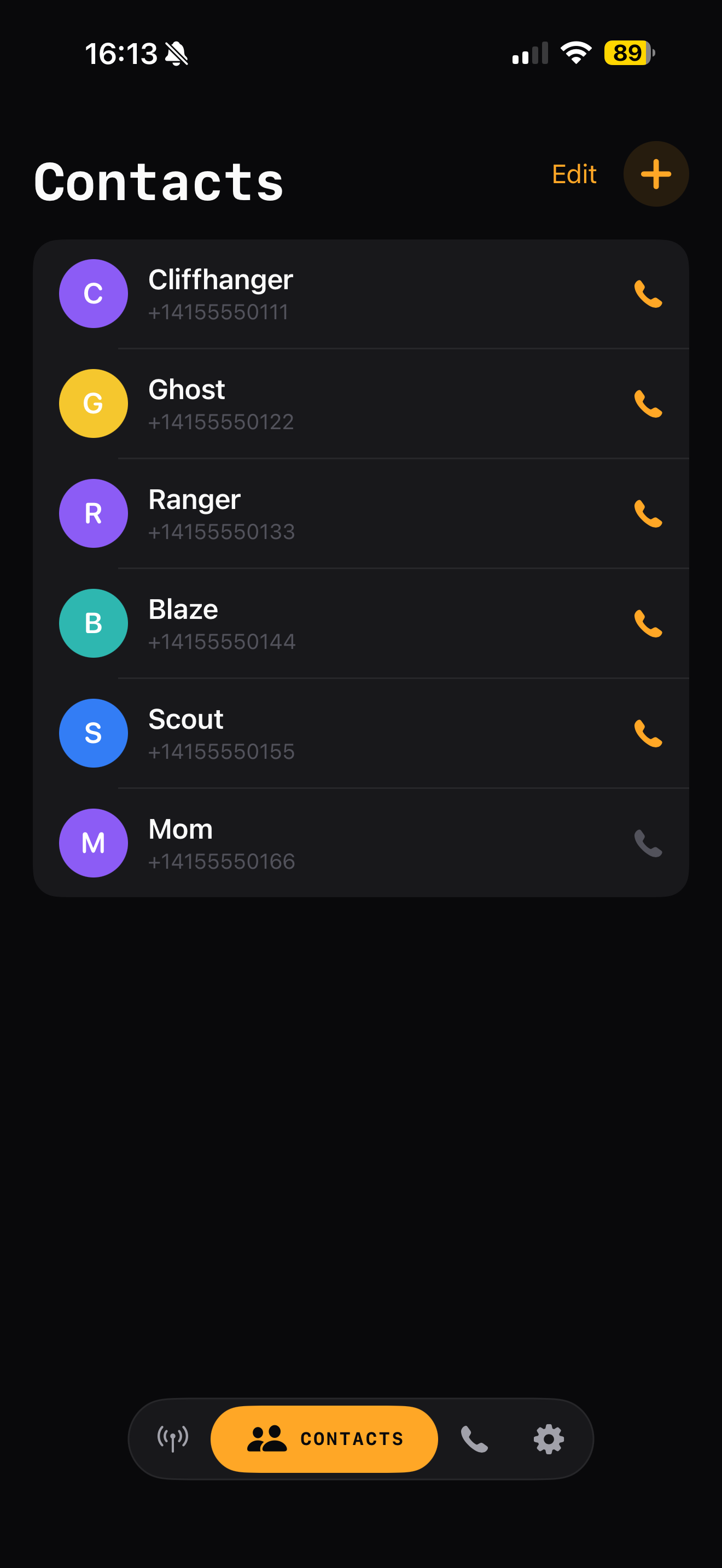
  • Find friends already on Niner — only the contacts you add
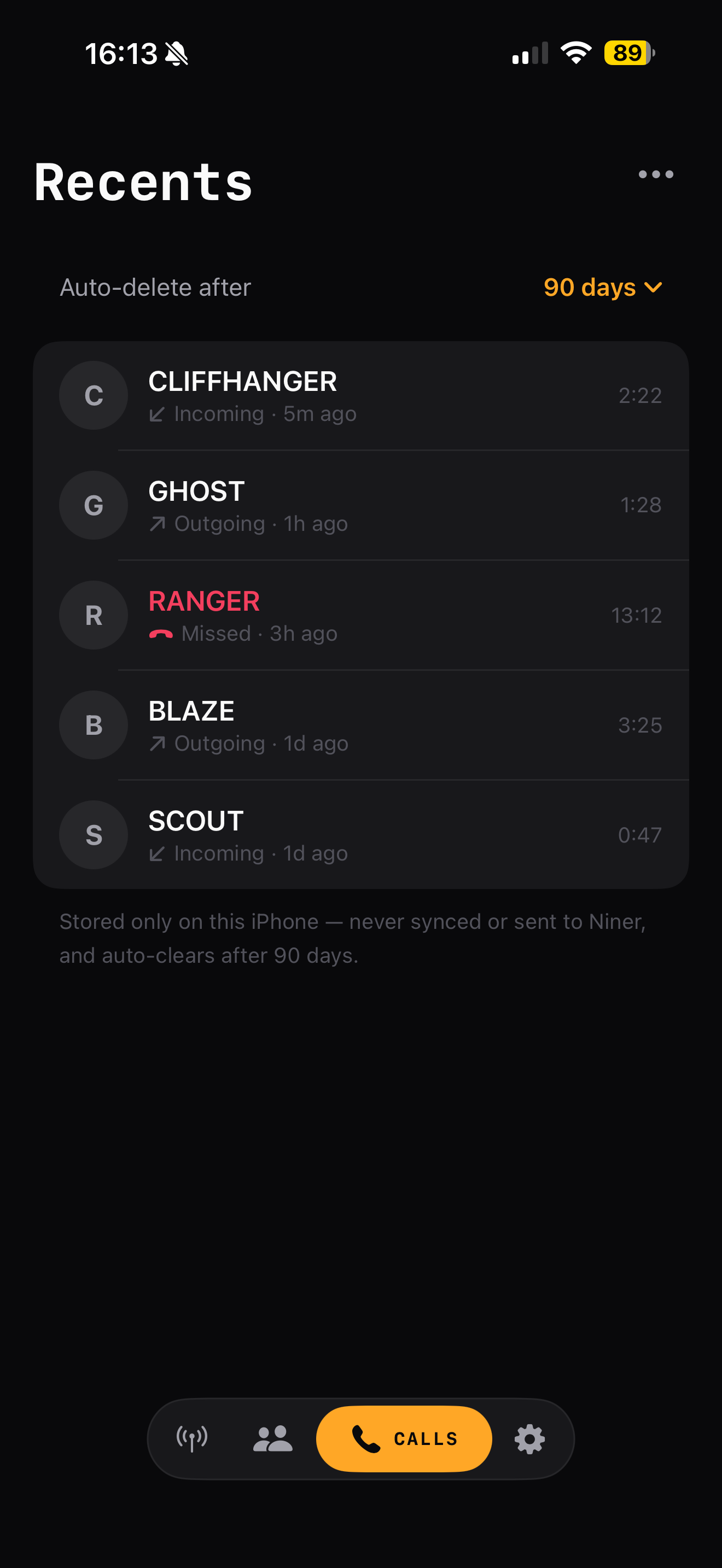
Niner recent calls log
Niner group channels list
Niner contacts matched from your address book
Apple Watch

Key the mic from your wrist.

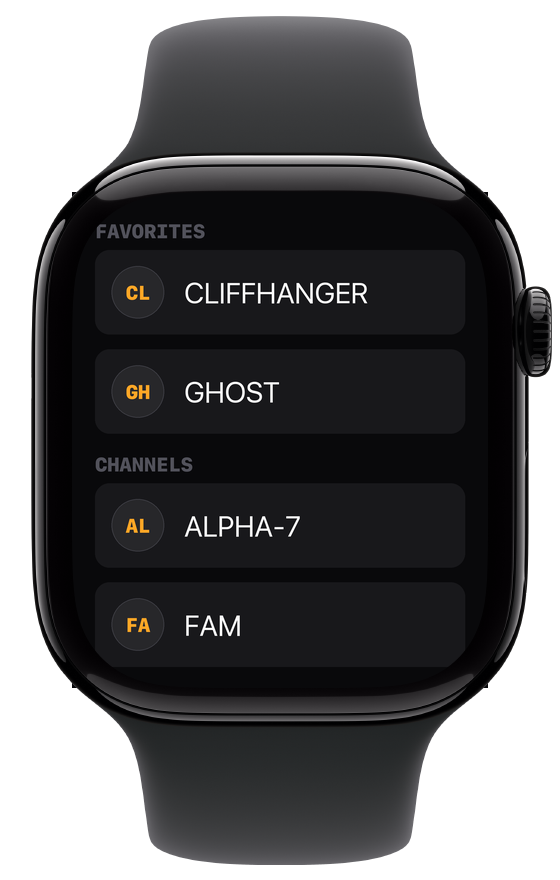
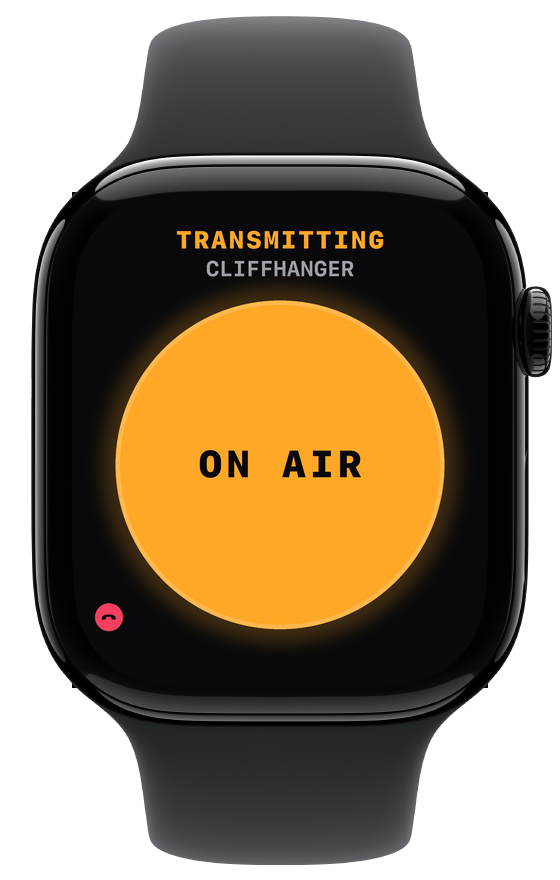
Your favourites and channels, mirrored from your iPhone. Press and hold on the watch and your phone transmits — so it can stay in your pocket.

The watch is the button, not the radio. It has no microphone or speaker of its own: your iPhone captures and plays the audio, so wear headphones when the phone is pocketed.

  • Favourites and channels, straight from your iPhone
  • Press and hold to talk — the same one-at-a-time floor
Niner on Apple Watch showing favourites and channels Niner on Apple Watch transmitting, showing the ON AIR button
Hardware · Coming soon

No watch? No problem.

A real button instead. Press and hold to key the mic — the tactile feel of a proper radio, paired in-app over Bluetooth. Until it ships, the on-screen button does the same job.

We're testing a few shapes, including a clip-on for when you're on headphones. Final form factor to be announced.

Built privacy-first

What Niner never stores.

Privacy isn't a setting here — it's the architecture. We collect the minimum to run the service and nothing more.

No audio recordings — ever
No log of who called whom
No ads, no trackers, no analytics SDKs
No selling or renting your data
No location tracking — we never ask
Call history stays on your phone only

Delete your account in one tap — profile, contacts, and your hail are gone.

On the App Store

Get on the air.

A private radio for your crew. Press and hold — they hear you.